Custom Post Types Without Plugins: Stop Paying for Simple PHP
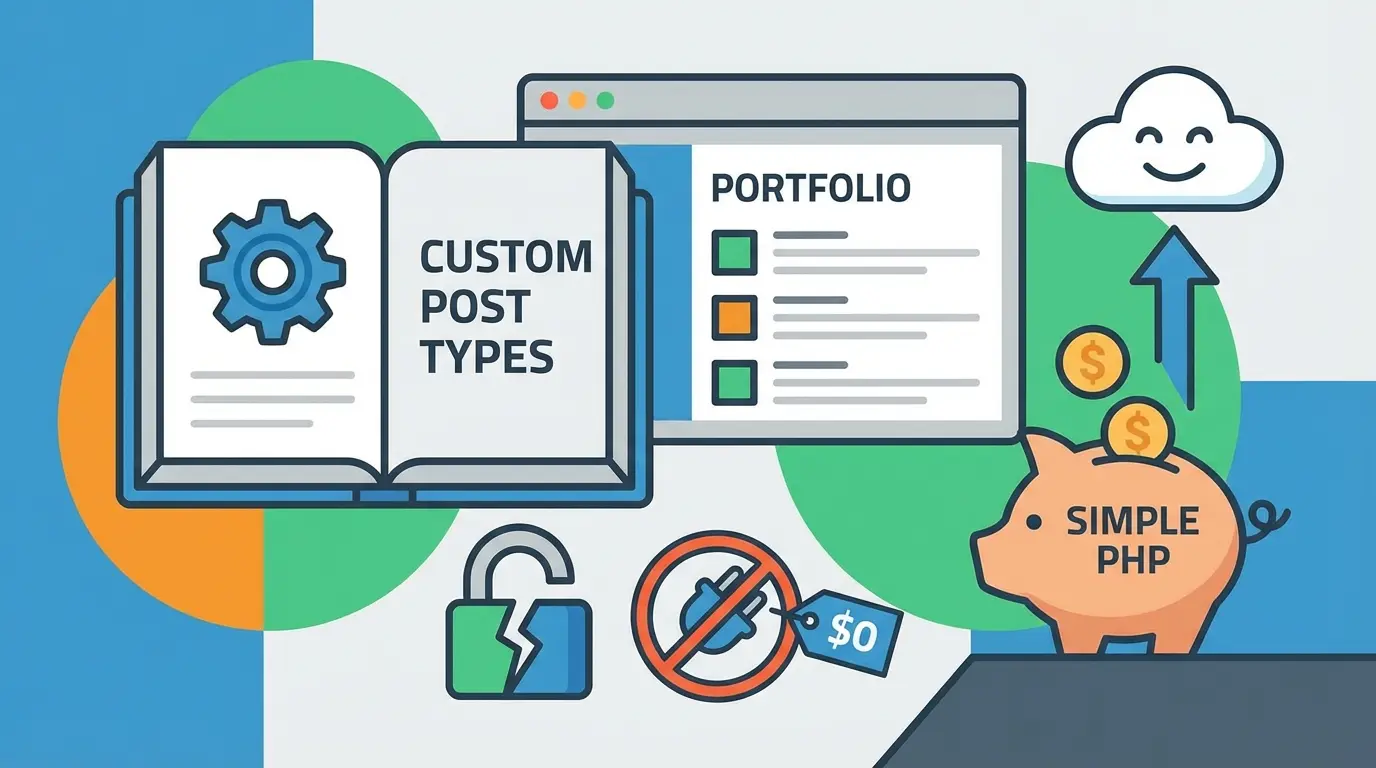
Creating Custom Post Types in WordPress Without Plugins: Yes, It’s Actually That Easy
I’m about to tell you something that might hurt if you’ve spent money on premium custom post type plugins. Ready? You don’t need them. Like, at all. The PHP code to create a custom post type in WordPress is embarrassingly simple, and once you see it, you’ll wonder why anyone charges $49 for a GUI that does the exact same thing.
Look, I get it. Plugins are comfortable. They’re like training wheels. But if you’re serious about WordPress dev, writing your own custom post types is a skill that’ll serve you for decades. Plus, you won’t have to update yet another plugin every time WordPress sneezes out a new version.
What Even Is a Custom Post Type?
Before we write any PHP coding magic, let’s get on the same page. WordPress comes with a few built-in post types: posts, pages, attachments, revisions, and nav menus. But if you’re building a real estate site and need “Properties”? Or a movie review blog that needs “Films”? That’s where custom post types come in.
They’re basically new content buckets. Your own special containers that show up in the WordPress admin, have their own archives, and behave however you tell them to. It’s web development power without the headache.
The Surprisingly Simple Code
Open your theme’s functions.php file. Or better yet, create a simple plugin. Here’s the minimum viable code:
function create_movie_post_type() {
    register_post_type('movies',
        array(
            'labels' => array(
                'name' => 'Movies',
                'singular_name' => 'Movie'
            ),
            'public' => true,
            'has_archive' => true,
            'rewrite' => array('slug' => 'movies'),
            'supports' => array('title', 'editor', 'thumbnail')
        )
    );
}
add_action('init', 'create_movie_post_type');
That’s it. Seriously. Save the file, and boom. You’ve got a Movies menu item in your WordPress admin. No plugin. No subscription. No bloat.
But Wait, Let’s Make It Actually Useful
That barebones example works, but it’s like showing up to a knife fight with a spork. Here’s a beefier version with all the labels and options you’ll actually want:
function create_movie_post_type() {
    $labels = array(
        'name'               => 'Movies',
        'singular_name'      => 'Movie',
        'menu_name'          => 'Movies',
        'add_new'            => 'Add New',
        'add_new_item'       => 'Add New Movie',
        'edit_item'          => 'Edit Movie',
        'new_item'           => 'New Movie',
        'view_item'          => 'View Movie',
        'search_items'       => 'Search Movies',
        'not_found'          => 'No movies found',
        'not_found_in_trash' => 'No movies found in trash'
    );

    $args = array(
        'labels'              => $labels,
        'public'              => true,
        'publicly_queryable'  => true,
        'show_ui'             => true,
        'show_in_menu'        => true,
        'show_in_rest'        => true,
        'query_var'           => true,
        'rewrite'             => array('slug' => 'movies'),
        'capability_type'     => 'post',
        'has_archive'         => true,
        'hierarchical'        => false,
        'menu_position'       => 5,
        'menu_icon'           => 'dashicons-video-alt2',
        'supports'            => array('title', 'editor', 'thumbnail', 'excerpt', 'comments')
    );

    register_post_type('movies', $args);
}
add_action('init', 'create_movie_post_type');
See that ‘show_in_rest’ => true line? That’s crucial if you want your custom post type to work with the Gutenberg block editor. Speaking of which, if you’re building custom WordPress blocks with React, you’ll definitely need this enabled.
Adding Custom Taxonomies (Because Posts Need Categories)
Custom post types without custom taxonomies are like pizza without toppings. Edible, but why would you? Here’s how to add a Genre taxonomy to our Movies:
function create_movie_taxonomies() {
    register_taxonomy('genre', 'movies', array(
        'labels' => array(
            'name'          => 'Genres',
            'singular_name' => 'Genre',
            'search_items'  => 'Search Genres',
            'all_items'     => 'All Genres',
            'edit_item'     => 'Edit Genre',
            'add_new_item'  => 'Add New Genre'
        ),
        'hierarchical'      => true,
        'show_ui'           => true,
        'show_in_rest'      => true,
        'rewrite'           => array('slug' => 'genre')
    ));
}
add_action('init', 'create_movie_taxonomies');
Set hierarchical to true for category-like behavior, or false for tag-like behavior. Your call.
The 404 Problem Nobody Warns You About
Here’s where I save you 45 minutes of confused Googling. After creating a custom post type, you visit your new archive page at /movies/ and… 404. Page not found. Panic sets in.
Breathe. Go to Settings > Permalinks in your WordPress admin. Don’t change anything. Just click “Save Changes.” WordPress will flush its rewrite rules, and your new URLs will magically work.
Why doesn’t WordPress do this automatically? I’ve been asking that question for years. Nobody knows.
Custom Meta Boxes: Where the Real Fun Begins
So you’ve got your Movies post type. Cool. But movies have release dates, directors, and ratings. You need custom fields. And while plugins like ACF are convenient, you can absolutely roll your own:
function movie_meta_boxes() {
    add_meta_box(
        'movie_details',
        'Movie Details',
        'movie_details_callback',
        'movies',
        'normal',
        'high'
    );
}
add_action('add_meta_boxes', 'movie_meta_boxes');

function movie_details_callback($post) {
    wp_nonce_field('save_movie_details', 'movie_details_nonce');
    $director = get_post_meta($post->ID, '_movie_director', true);
    $year = get_post_meta($post->ID, '_movie_year', true);
    ?>
    <p>
        <label>Director:</label><br>
        <input type="text" name="movie_director" value="<?php echo esc_attr($director); ?>">
    </p>
    <p>
        <label>Release Year:</label><br>
        <input type="number" name="movie_year" value="<?php echo esc_attr($year); ?>">
    </p>
    <?php
}

function save_movie_details($post_id) {
    if (!isset($_POST['movie_details_nonce']) ||
        !wp_verify_nonce($_POST['movie_details_nonce'], 'save_movie_details')) {
        return;
    }
    if (defined('DOING_AUTOSAVE') && DOING_AUTOSAVE) return;
    if (isset($_POST['movie_director'])) {
        update_post_meta($post_id, '_movie_director', sanitize_text_field($_POST['movie_director']));
    }
    if (isset($_POST['movie_year'])) {
        update_post_meta($post_id, '_movie_year', absint($_POST['movie_year']));
    }
}
add_action('save_post_movies', 'save_movie_details');
Is this more code than installing a plugin? Yep. But it’s also zero dependencies, zero compatibility issues, and zero “this plugin hasn’t been updated in 3 years” anxiety.
Displaying Your Custom Post Type on the Frontend
WordPress will look for specific template files to display your custom post type. Create these in your theme:
- archive-movies.php – For the archive page at /movies/
- single-movies.php – For individual movie pages
If those don’t exist, WordPress falls back to archive.php and single.php. If you’re styling these templates, I’d strongly suggest checking out how Tailwind CSS works with WordPress. It’ll change how you approach theme development.
Query Your Custom Post Types Like a Pro
Need to display movies elsewhere on your site? WP_Query is your friend:
$movies_query = new WP_Query(array(
    'post_type'      => 'movies',
    'posts_per_page' => 6,
    'orderby'        => 'date',
    'order'          => 'DESC'
));

if ($movies_query->have_posts()) :
    while ($movies_query->have_posts()) : $movies_query->the_post();
        // Your template code here
    endwhile;
    wp_reset_postdata();
endif;
Pro tip: if your site has lots of content and these queries are getting slow, you might want to look into Redis object caching. It’ll cache these database queries and speed things up dramatically.
Common Mistakes I See All the Time
Let me save you some debugging sessions:
- Post type name too long. Keep it under 20 characters. WordPress will silently fail otherwise.
- Using reserved names. Don’t call your post type ‘post’, ‘page’, ‘attachment’, ‘revision’, or ‘nav_menu_item’. WordPress already took those.
- Forgetting ‘show_in_rest’. The block editor won’t work without it. Neither will the REST API.
- Not sanitizing input. Always use sanitize_text_field(), esc_attr(), and wp_nonce_field(). Security matters.
Should You Ever Use a Plugin Instead?
Honestly? Sometimes. If you’re building a site for a client who’ll need to manage post types themselves, a GUI makes sense. If you’re building something complex and deadline is yesterday, grab ACF and move on. But for learning WordPress dev properly, and for projects where you control everything, hand-coded custom post types are the way.
You’ll understand exactly what’s happening. You’ll debug faster. And you’ll never get that sinking feeling when a plugin update breaks everything.
Wrapping This Up
Custom post types aren’t scary. They’re just PHP functions with a lot of optional arguments. Start with the simple version, add complexity as you need it, and remember to flush those permalinks.
Once you’ve built a few, you’ll realize how much control you actually have over WordPress. It stops feeling like a bloated CMS and starts feeling like a genuinely flexible framework. That’s when web development with WordPress gets fun.
Now go build something cool. And for the love of everything, stop paying for post type plugins.